πŸš€ AdShot AI 2.0 Engine Live: Instant Mobile Wireframe & Screen Generation from Prompt! Try Free Today β†’
UX ARCHITECTURE ENGINE From Idea to Production UX in Seconds

Mobile App Wireframe Generator:
AI UI/UX Flow Blueprints from Text Prompt

Transform your mobile app concepts, user stories, and product specifications into clean, intuitive iOS and Android wireframes. Eliminate days of manual Figma auto-layout with instant, production-ready AI wireframe synthesis.
βœ” Apple HIG & Material 3 βœ” 44pt+ Touch Targets βœ” Zero Figma Skill Required
✨
Simulated Prompt: "Design a 10-screen D2C fashion & sneaker shopping app with onboarding, login, search feed, PDP, bag review, and instant checkout."
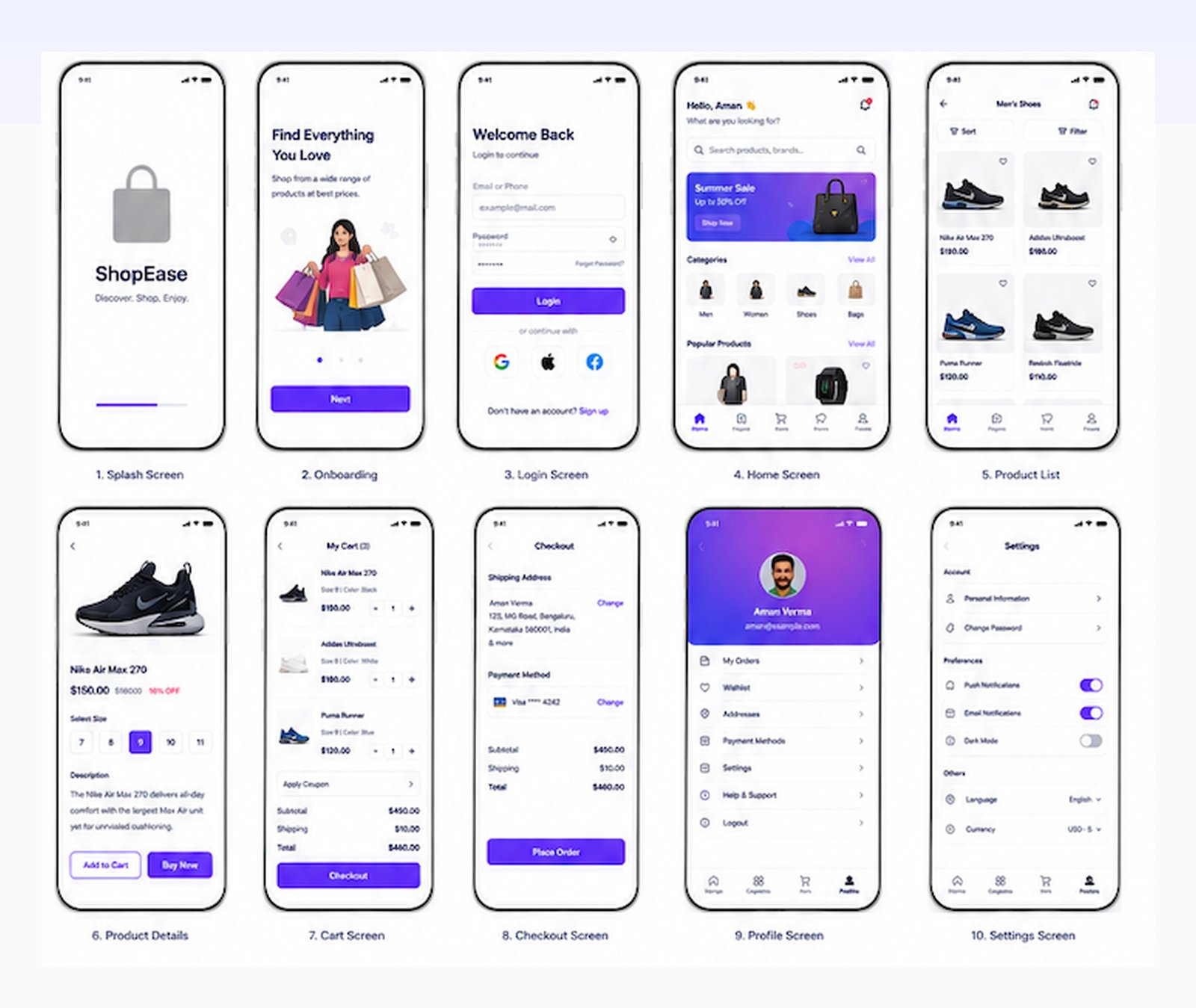
10-screen mobile app wireframe flow generated with AdShot AI
πŸ“± Complete E-Commerce App Journey 10 Screens Synthesized
Real UX Blueprints

Explore an Entire 10-Screen E-Commerce Mobile App Flow

See how AdShot AI synthesizes every phase of the customer journeyβ€”from cold launch splash to final one-tap checkout order placement. Click any screen to inspect UX architecture details.
Screen 01 Β· Launch
ShopEase Splash Screen Wireframe πŸ” Tap to Zoom

1. Splash Screen

Minimalist brand identity anchor with animated progress loader, establishing trust while assets pre-fetch.

Brand Identity Asset Preloader Cold Start UX
Screen 02 Β· Onboarding
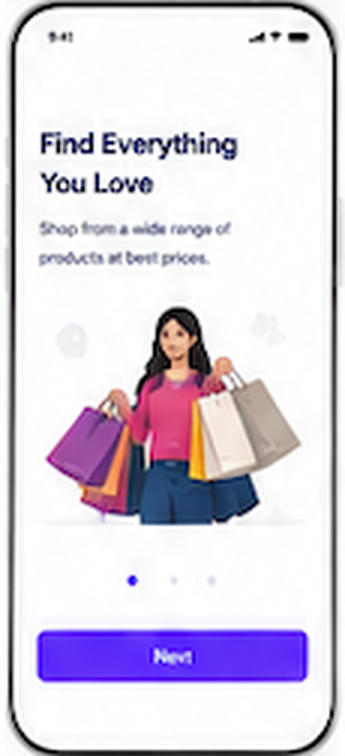
Onboarding Screen Wireframe πŸ” Tap to Zoom

2. Onboarding Screen

Illustrative value proposition ("Find Everything You Love") with pagination indicator dots and primary Next CTA.

Value Prop Step Indicator 48pt Touch Target
Screen 03 Β· Auth
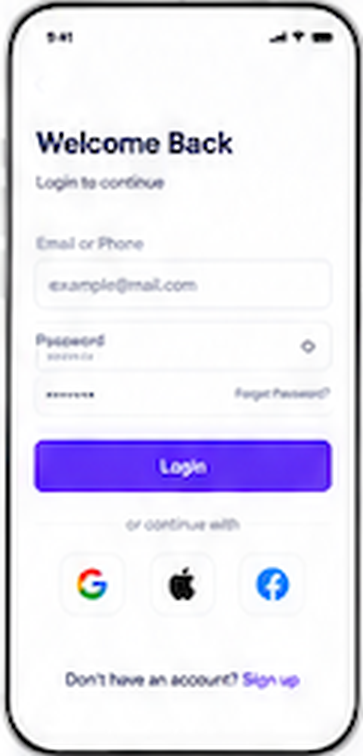
Login & Sign In Screen Wireframe πŸ” Tap to Zoom

3. Login Screen

Low-friction authentication with combined email/phone inputs, password recovery, and single-tap OAuth icons.

Social OAuth Form Inputs Recovery Link
Screen 04 Β· Home Feed
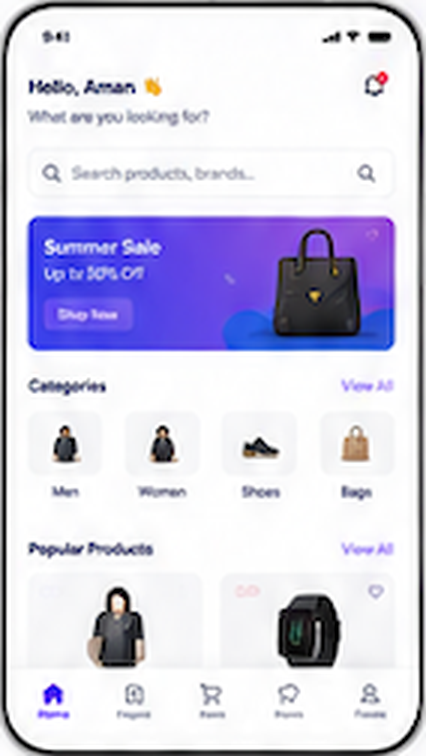
Home Screen Feed Wireframe πŸ” Tap to Zoom

4. Home Screen

Dynamic user greeting, global search input, hero promo banner, horizontal category chips, and popular product feed.

Search Bar Promo Banner Bottom Tab Bar
Screen 05 Β· Catalog
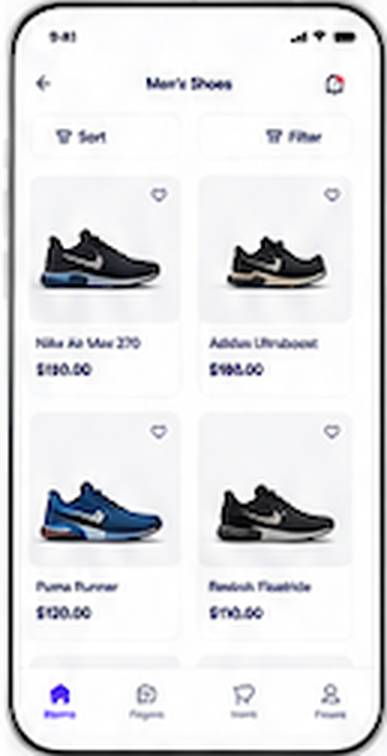
Product List & Catalog Wireframe πŸ” Tap to Zoom

5. Product List

Category browsing with quick-access Sort & Filter buttons, 2-column card grid, product titles, and prices.

Sort & Filter Grid Architecture Wishlist Heart
Screen 06 Β· PDP
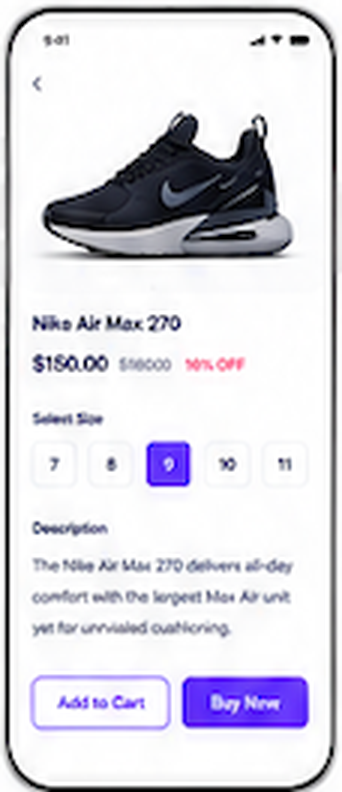
Product Details Screen Wireframe πŸ” Tap to Zoom

6. Product Details

Product hero image, discount pricing tag, horizontal size selector (7–11), product specs, and dual purchase CTAs.

Size Selector Discount Tag Dual Action CTA
Screen 07 Β· Cart
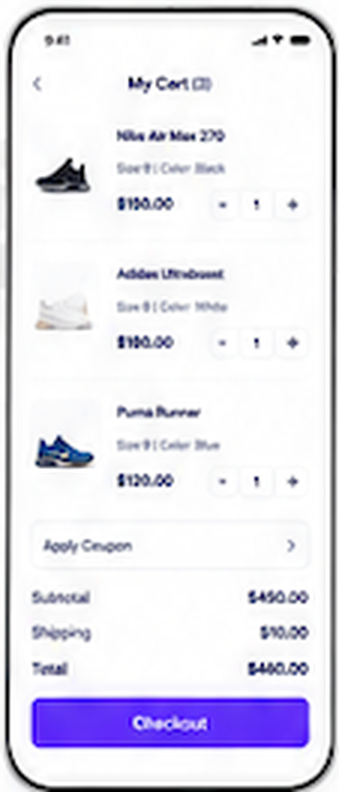
Shopping Cart Screen Wireframe πŸ” Tap to Zoom

7. Cart Screen

Multi-item shopping cart with product thumbnails, stepper controls, promo voucher input, subtotal, and shipping fee.

Stepper Stepper Coupon Drawer Subtotal Calculator
Screen 08 Β· Checkout
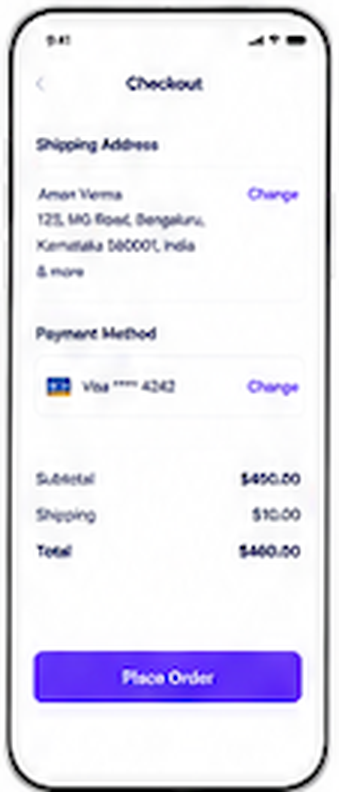
Checkout & Payment Screen Wireframe πŸ” Tap to Zoom

8. Checkout Screen

Streamlined checkout step with saved shipping address card, masked payment method, cost breakdown, and Place Order CTA.

Address Selector Payment Method 1-Tap Order Place
Screen 09 Β· Profile
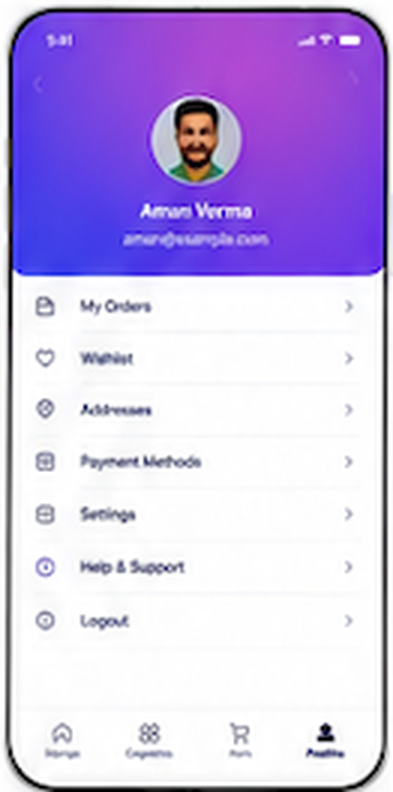
User Profile Screen Wireframe πŸ” Tap to Zoom

9. Profile Screen

Gradient user header with avatar, user name, and structured navigation rows for orders, wishlist, addresses, and support.

Avatar Header Order Tracking Support Hub
Screen 10 Β· Settings
Settings & Preferences Screen Wireframe πŸ” Tap to Zoom

10. Settings Screen

Grouped settings interface for security, push/email notification toggles, dark mode switch, and currency localization.

Toggle Switches Dark Mode Localization

Complete End-to-End User Flow Architecture

Every screen is logically linked to ensure consistent design tokens, spacing grids, and thumb-friendly interaction patterns.

πŸ“ 8pt Spatial Grid
⚑ 48pt Touch Targets
🎨 Unified Tokens
Panoramic view of all 10 mobile app wireframe screens in order
Accelerated UX Discovery

Why Wireframing with AI Outperforms Manual Figma Sketching

Product managers and founders waste 40+ hours per sprint drawing rectangles, configuring auto-layout constraints, and aligning button padding. AdShot AI shifts the focus from manual drafting to rapid user-journey validation.

The 4-Step Process

How to Generate Mobile App Wireframes in 4 Simple Steps

From raw product concept to complete multi-screen user flow in under 30 seconds.

01

Describe Screen Purpose

Input your feature requirements, user intent, or specific page goals in plain language. Select iOS HIG or Android Material 3 design standards.

02

Configure Component Hierarchy

Choose your UI structure: header navigation, hero banners, category feeds, data cards, sticky action bars, or modal sheets.

03

AI Generates Layout

Our deep learning UX engine structures standard touch targets, font hierarchies, whitespace balance, and accessible button placements.

04

Export & Handoff

Download clean, high-resolution wireframe assets to share with development teams, pitch investors, or refine into high-fidelity UI.

Production-Grade Standards

Built for Product Teams, Startup Founders & Mobile Developers

Designed with rigorous mobile ergonomic standards so your engineering team can build directly from your wireframes.

πŸ“

Native Mobile Touch Targets

Every interactive button, pill, and tab adheres to Apple 44x44pt and Google 48x48dp guidelines, eliminating frustrating tap errors.

πŸ”—

Multi-Screen Journey Flows

Generate coherent step-by-step user journeys: onboarding walkthroughs, KYC verification, product search, cart reviews, and order confirmation.

πŸ›’

Industry-Tuned Layouts

Pre-tuned for D2C e-commerce, FinTech wallets, SaaS analytics dashboards, EdTech feeds, and on-demand delivery apps.

⚑

Zero Learning Curve

No vector tutorials, auto-layout wrestling, or Figma plugins needed. Non-technical founders can build investor-ready prototypes in minutes.

πŸ”

Visual Component Hierarchy

Balanced typographic scales (Hero, H1, H2, body, micro-captions) and clear visual weight distribution guide user attention naturally.

πŸš€

Instant High-Res Export

Export crisp 3x Retina PNGs, SVGs, and presentations ready for client approval, design review sprints, and developer Jira tickets.

Direct Comparison

AdShot AI Wireframe Generator vs Traditional Methods

See why teams are switching from tedious manual auto-layout to AI-driven UX synthesis.

Feature / Dimension Manual Figma / Balsamiq Pen & Paper Sketching AdShot AI Wireframe Generator
Generation Speed 3 to 8 Hours per Flow 30 to 60 Minutes (Unshareable) βœ” 15 to 30 Seconds
Skill Requirement Expert Auto-layout & Components Manual Drawing Skills βœ” Plain English Text Prompt
UX Guideline Compliance Manual measurement required Approximate / Non-standard βœ” Built-in Apple HIG & Material 3
Client & Team Sharing Complex workspace permissions Blurry photos of notebooks βœ” Instant High-Res Export
Cost per Screen $15 - $75/mo + expensive UX designer salary Low, but unusable for developer handoff βœ” Free starter tier / Pennies per flow
Common Questions

Frequently Asked Questions: AI Wireframing

Everything you need to know about generating mobile wireframes with AdShot AI.

What is an AI mobile app wireframe generator? +
An AI mobile app wireframe generator is an automated software tool that transforms natural language text descriptions into functional, visually balanced mobile interface wireframes, adhering to ergonomic mobile interaction guidelines.
Can AdShot AI generate multi-screen user flows? +
Yes! You can outline an entire user sequenceβ€”such as Splash, Onboarding, Login, Catalog, Cart, and Checkoutβ€”and AdShot will produce logically aligned wireframes that visualize the entire customer journey.
Is AdShot easier to use than Figma or Balsamiq? +
Much easier. While Figma requires understanding auto-layout, nested frames, and design component systems, AdShot allows anyone to generate production-grade wireframes simply by describing what the user should experience.
Are the wireframes compliant with iOS and Android design guidelines? +
Yes, our algorithms are trained on standard Apple Human Interface Guidelines and Google Material Design 3 layout grids, ensuring proper tap target sizes (minimum 44x44 pt), status bar margins, and navigation paradigms.
Can I use these wireframes for client presentations and pitch decks? +
Absolutely. AdShot wireframes have been used by hundreds of Indian and international founders to secure seed funding, pitch enterprise clients, and provide exact visual specs to engineering teams.
Is there a free plan to test the mobile app wireframe generator? +
Yes, create a free account today and receive complimentary credits to generate mobile wireframes and UI screens immediately with no credit card required.

Ready to Design Your Mobile App in Minutes?

Join over 10,000+ founders, product managers, and agencies building apps faster with AdShot AI.

Create Wireframes Free Now β†’